
Everything about a chapter on one screen
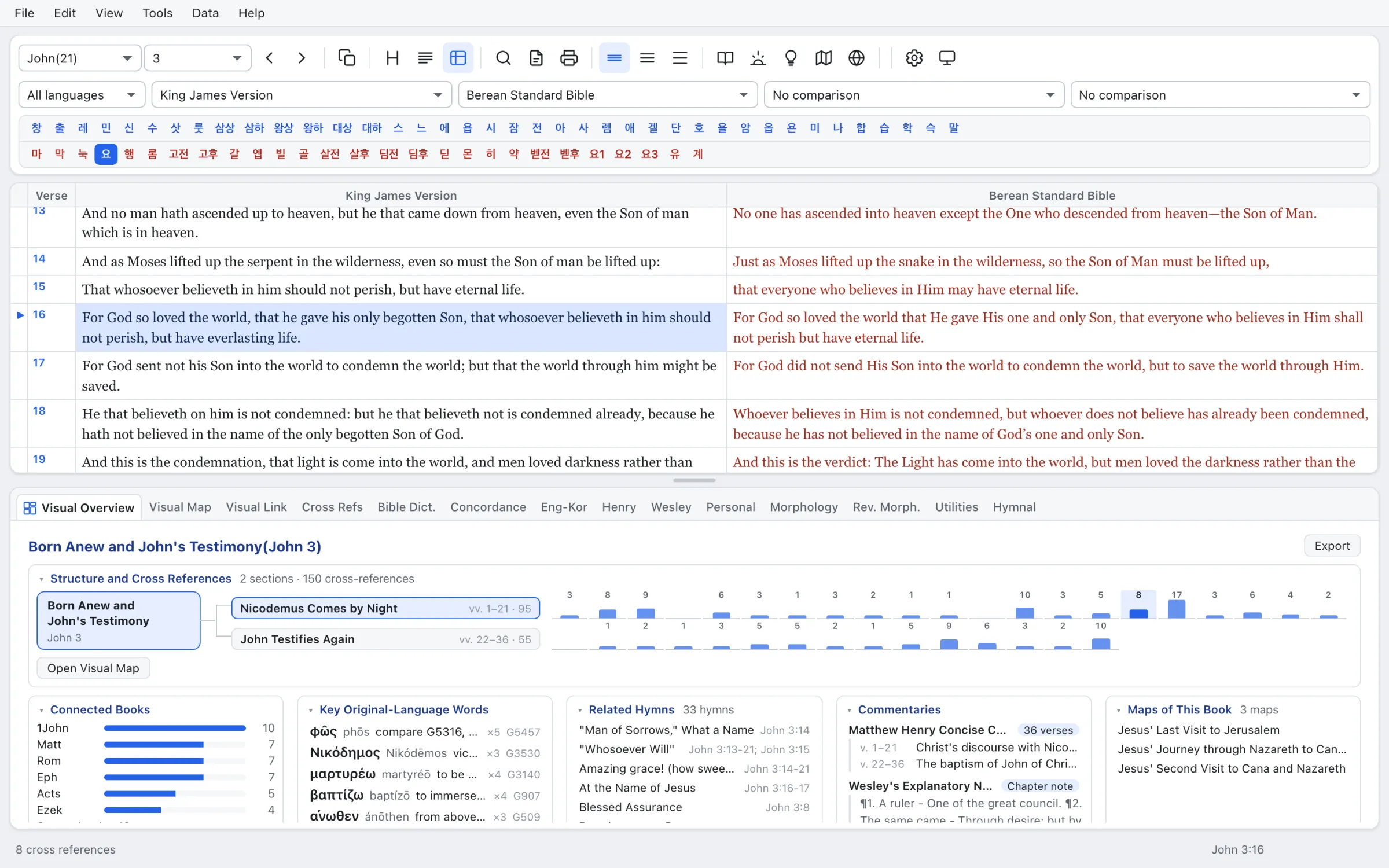
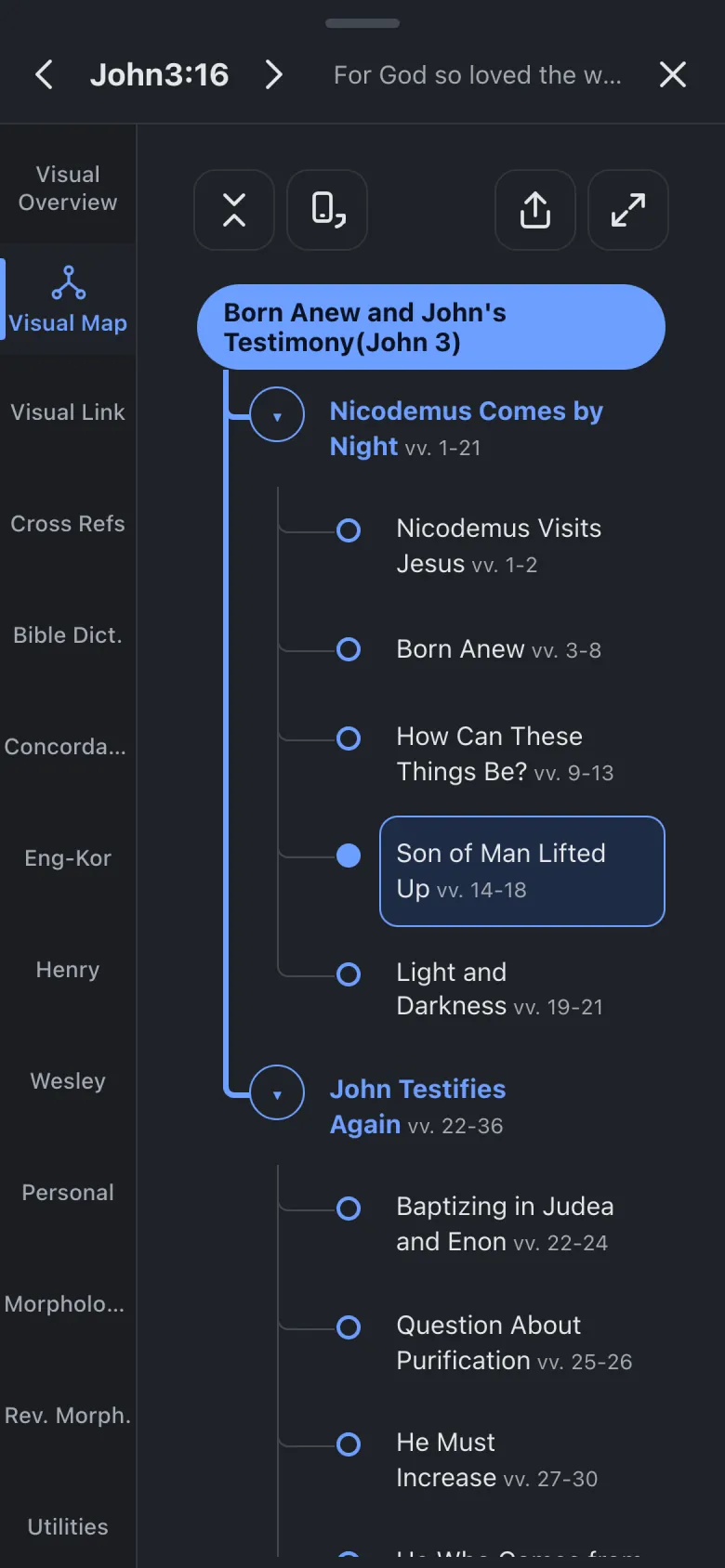
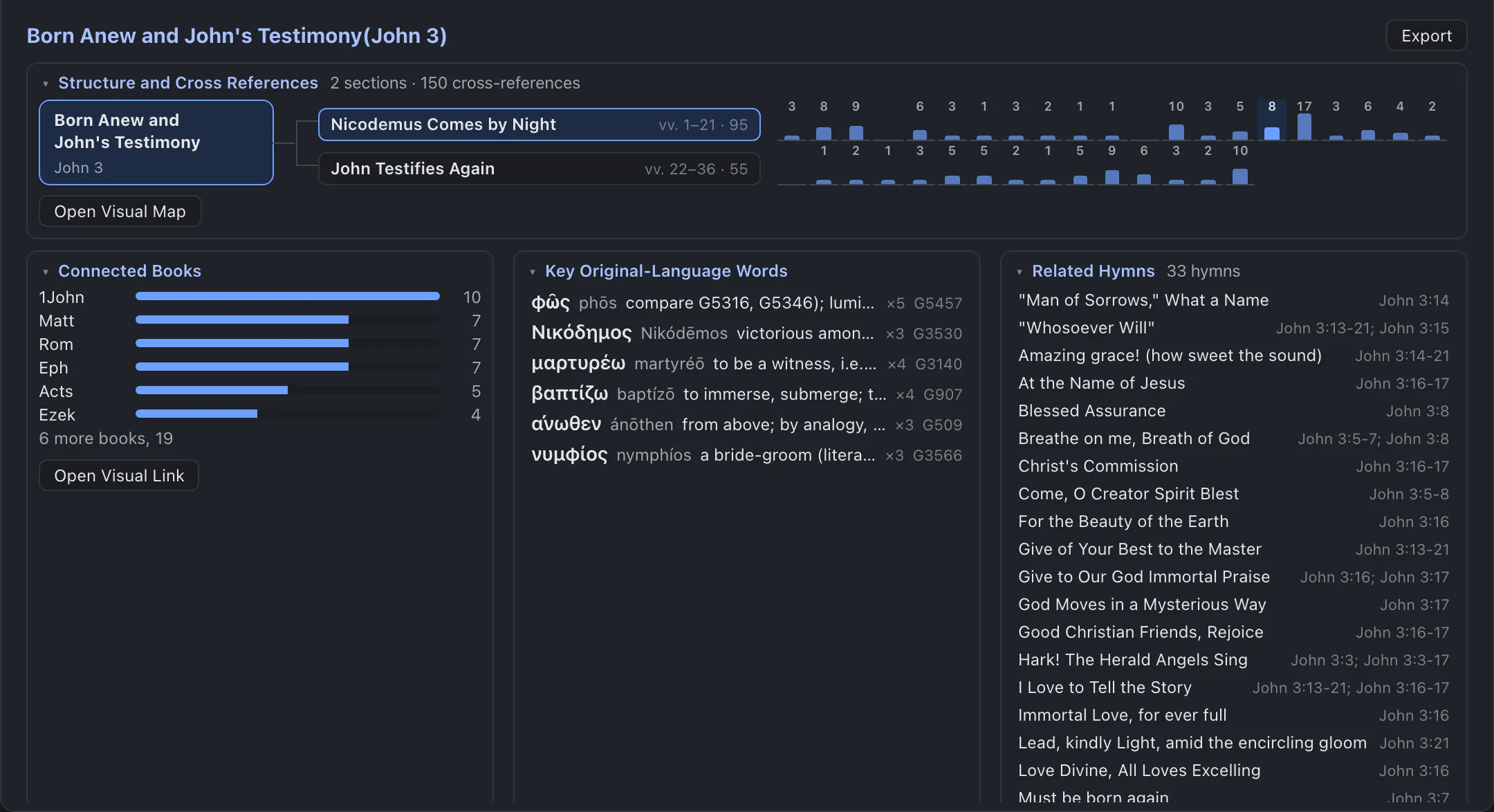
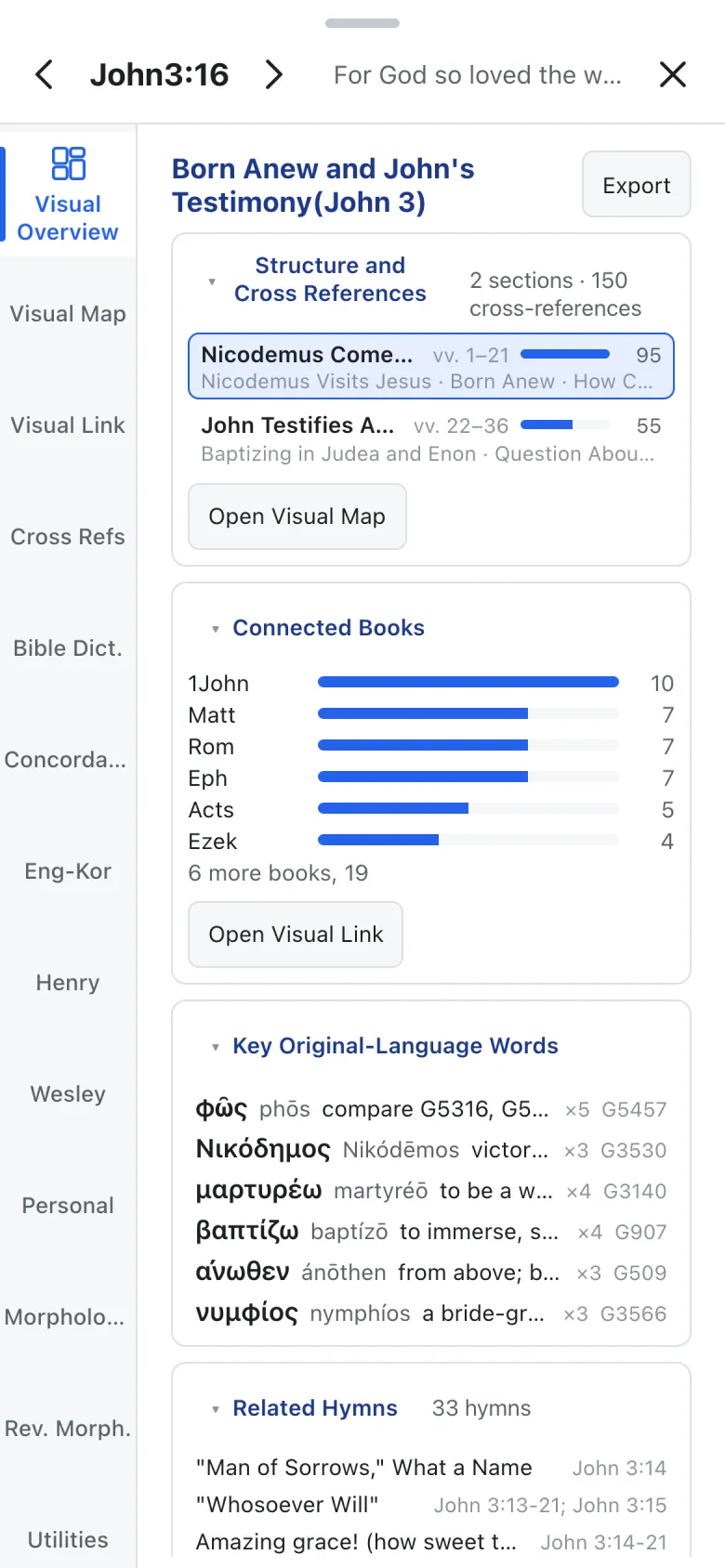
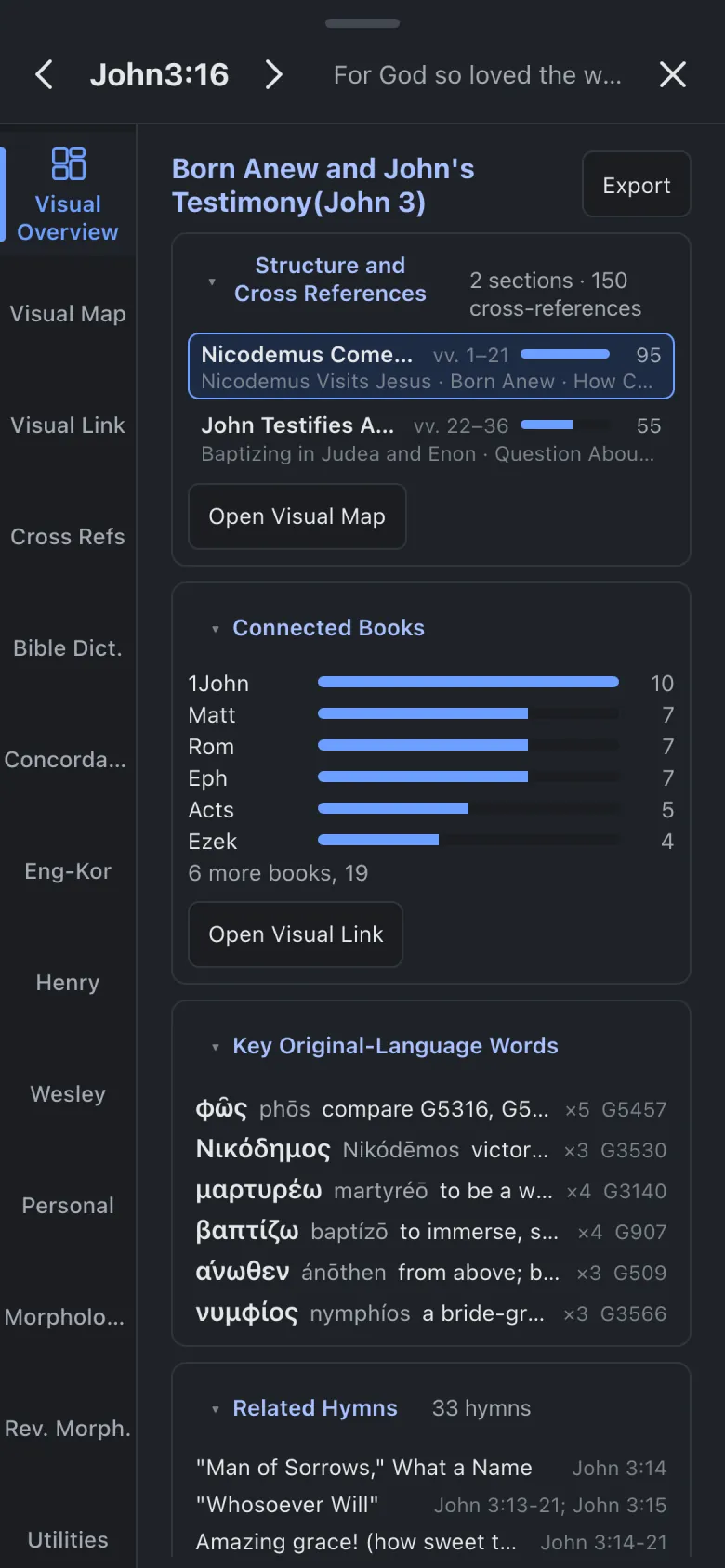
Its sections, where the cross-references cluster, the books it ties to most, key Greek and Hebrew words, related hymns and commentaries. Press any item to open its own tab.
 TOBESTVisualBible
TOBEST VisualBible 3.0
A Visual Map for the shape of each chapter, a Visual Link for its ties to the rest of Scripture, and Matthew Henry, Wesley and the Greek and Hebrew on the same screen.
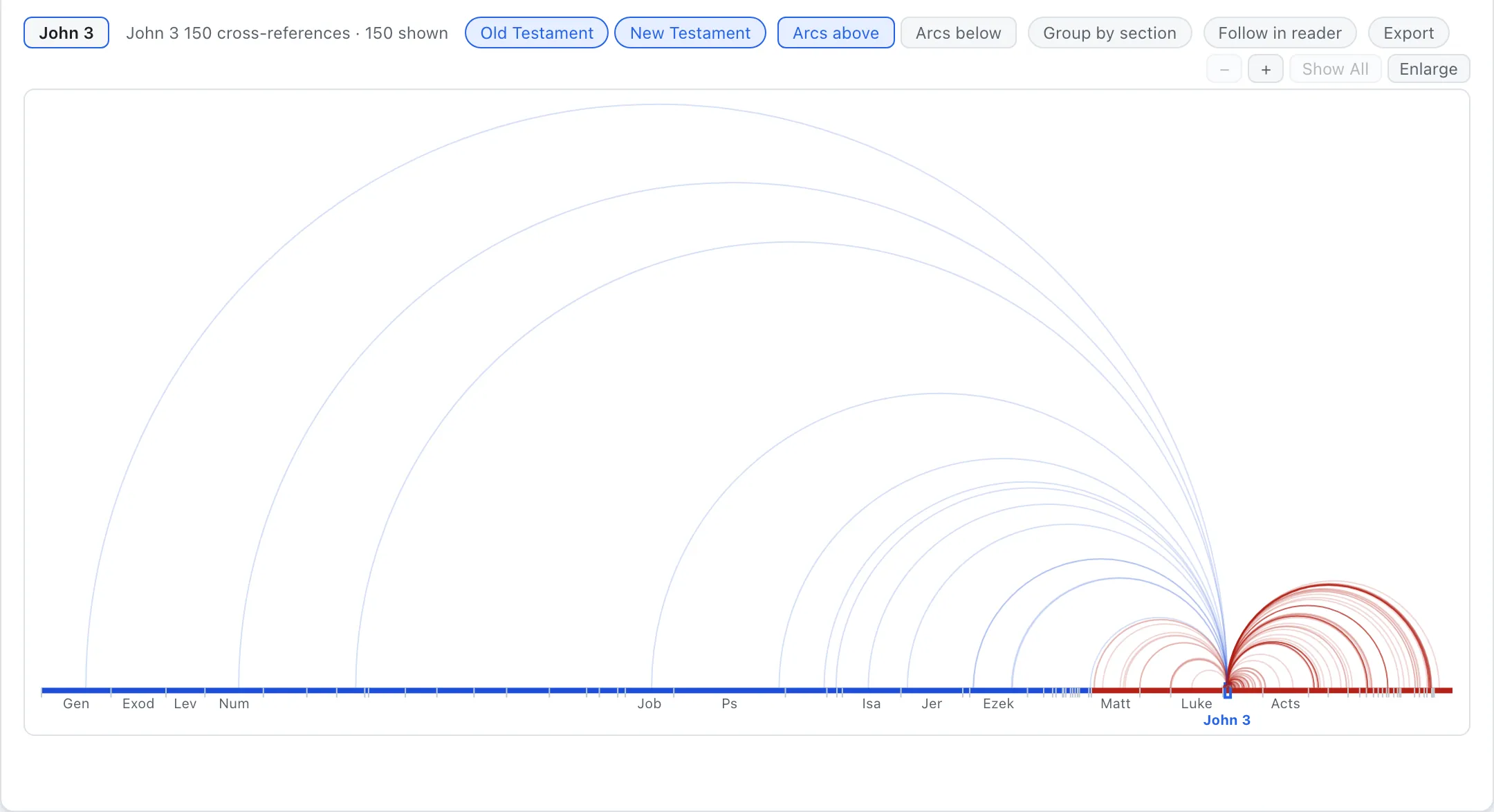
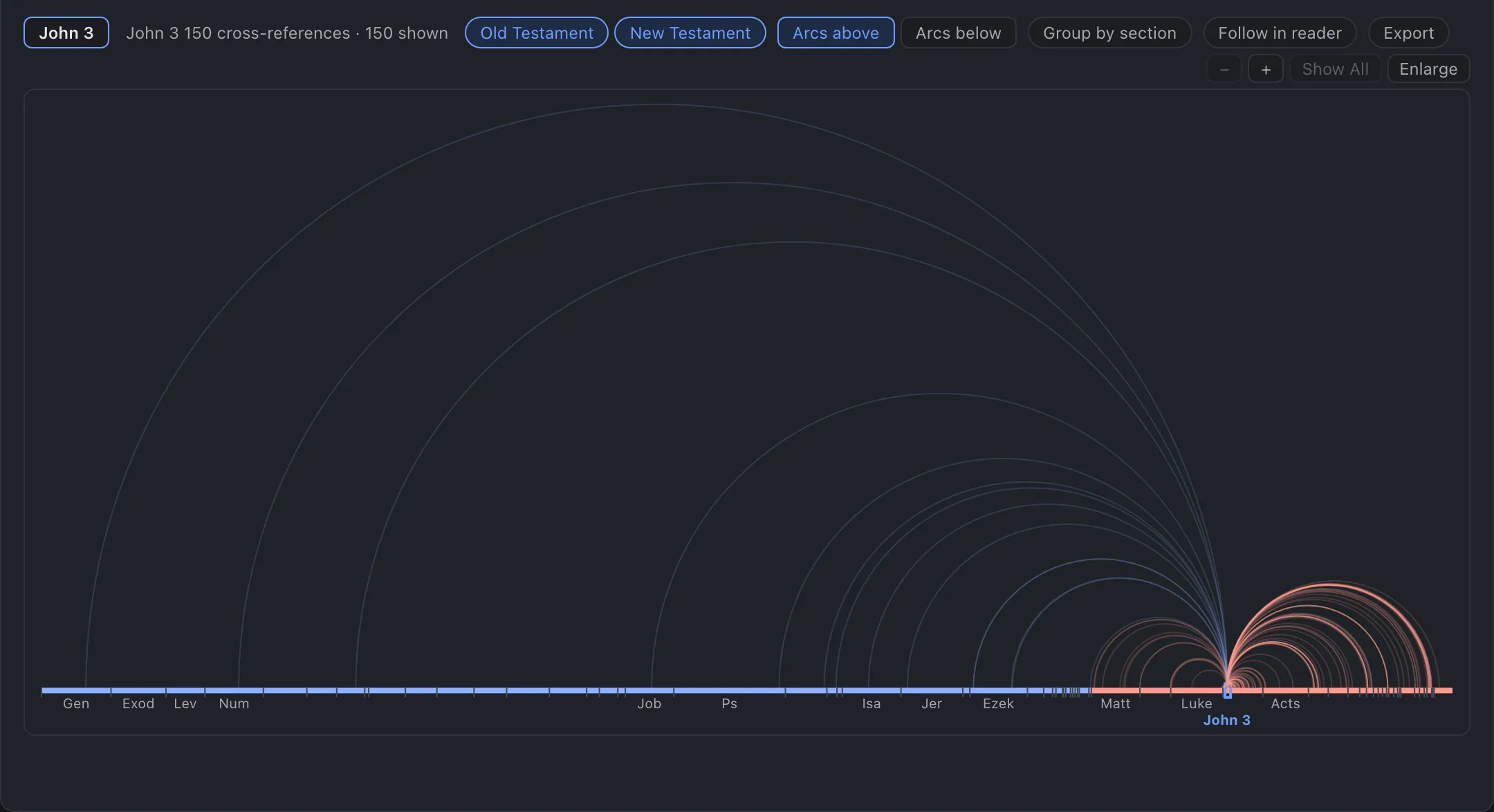
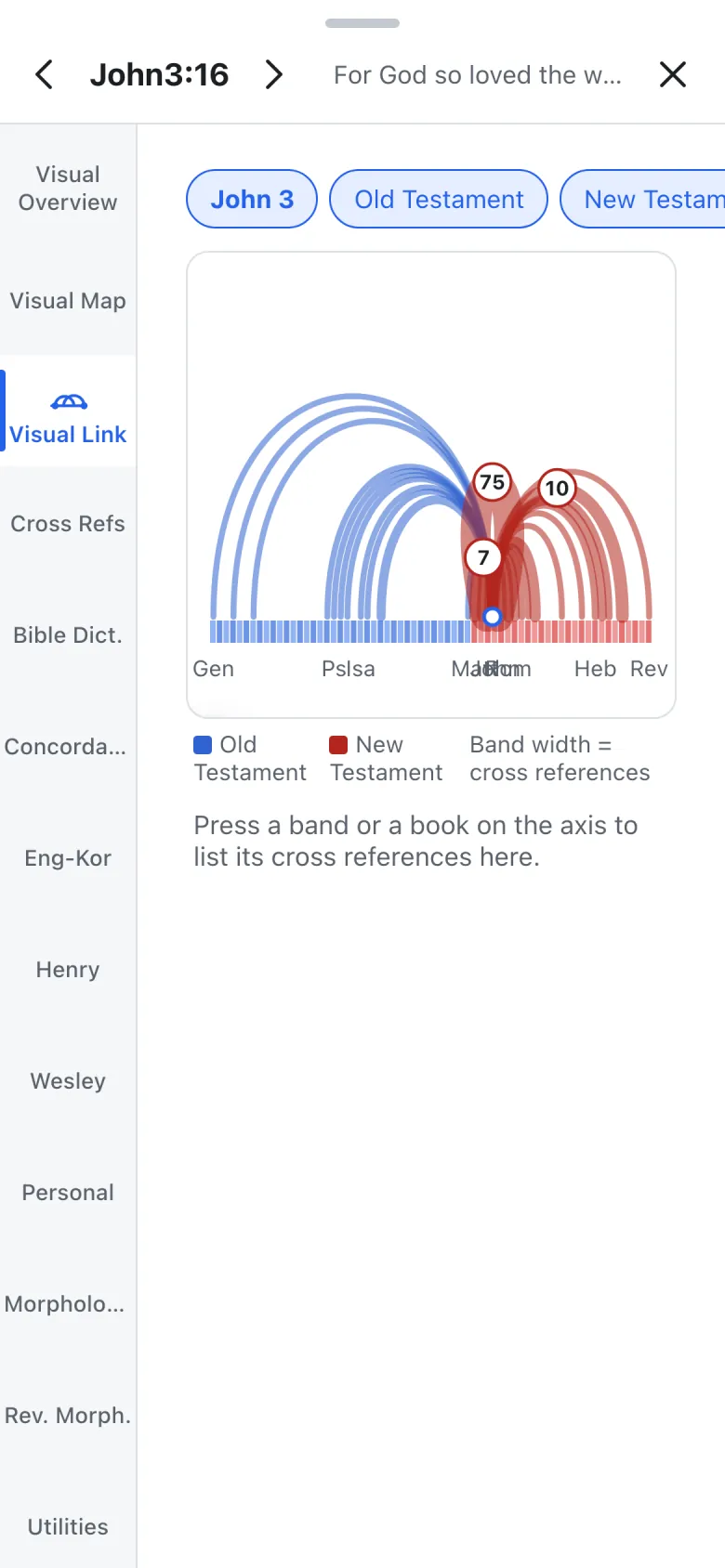
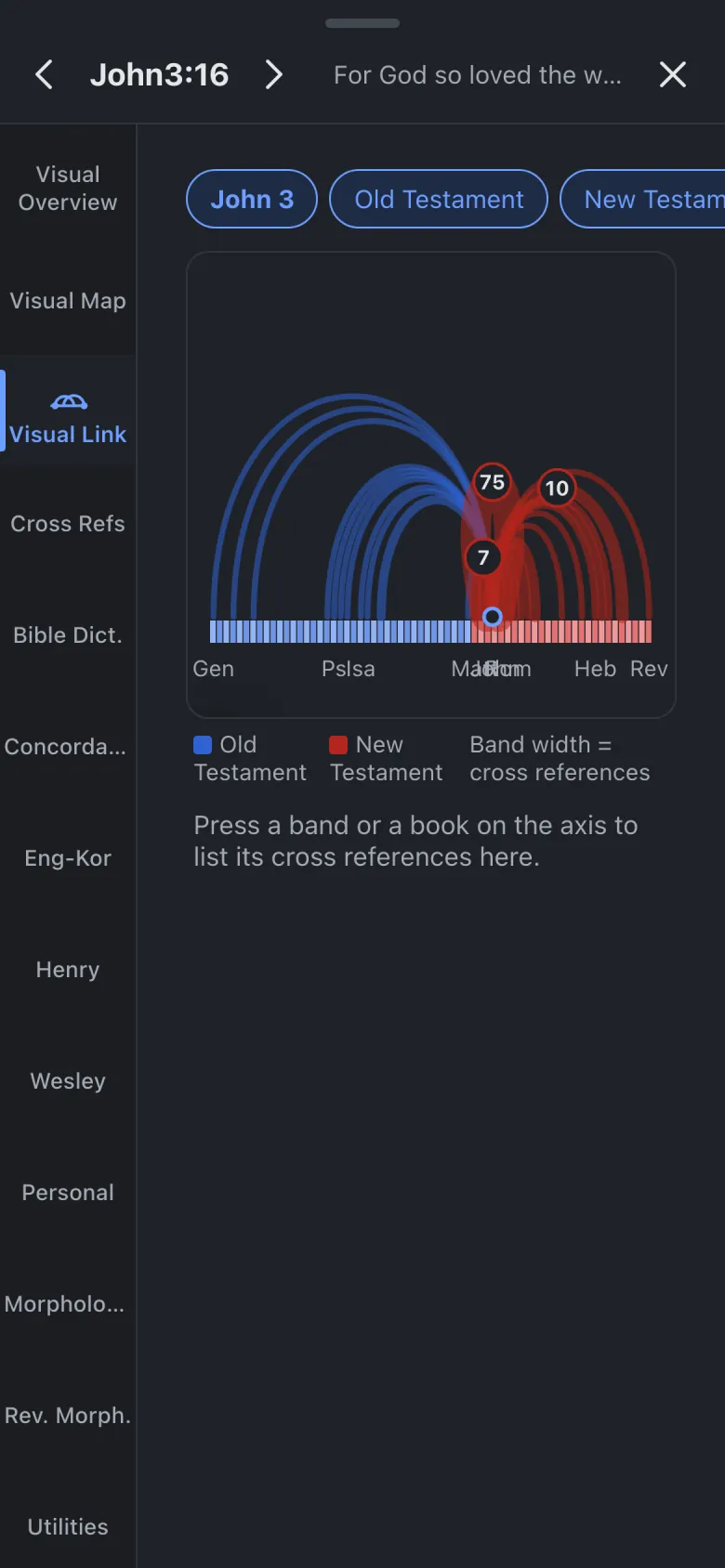
The 150 cross-references that leave John 3. Blue lands in the Old Testament, red in the New.
The scope
The visual family
The same John 3, seen from three heights.
Its sections, where the cross-references cluster, the books it ties to most, key Greek and Hebrew words, related hymns and commentaries. Press any item to open its own tab.
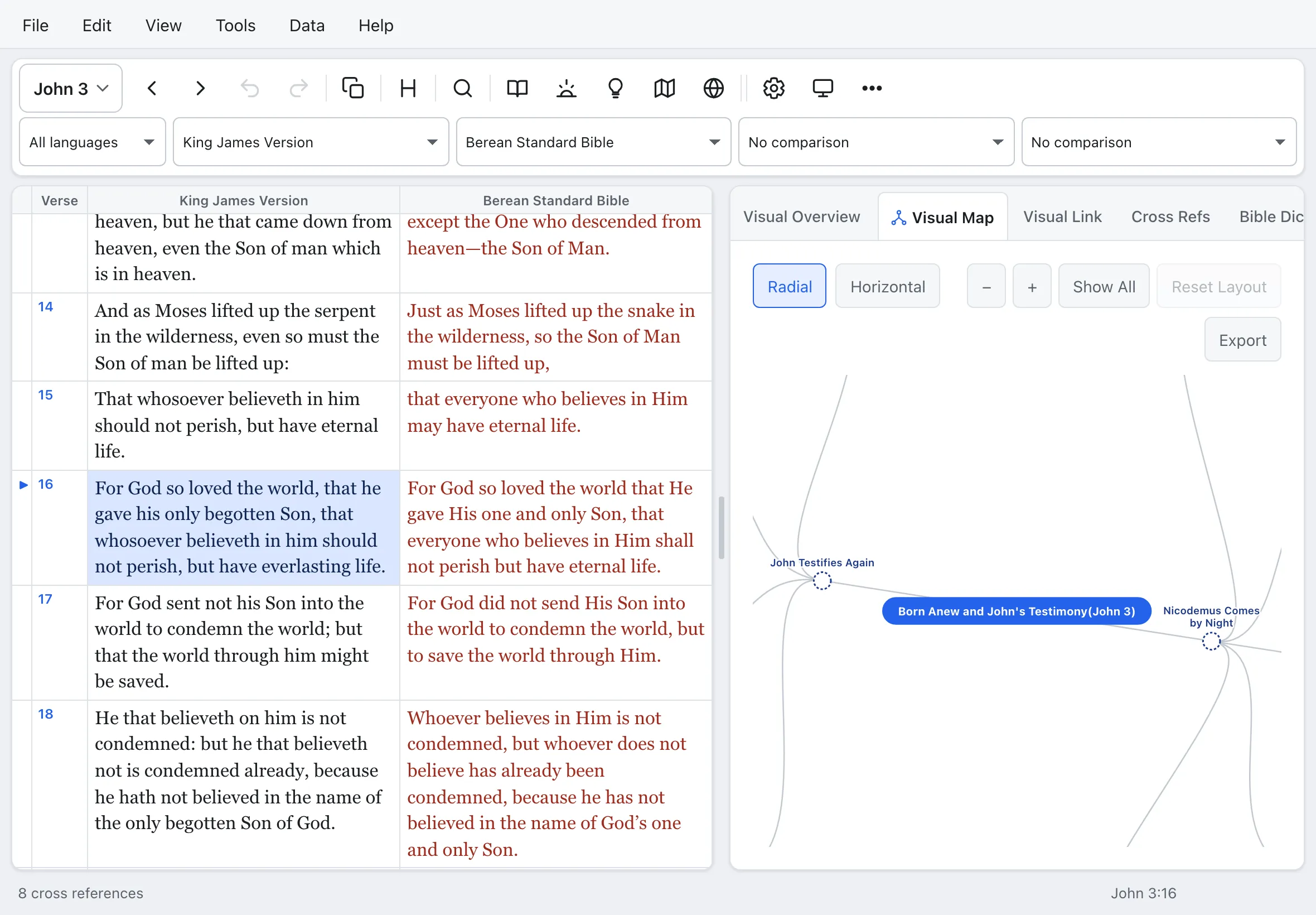
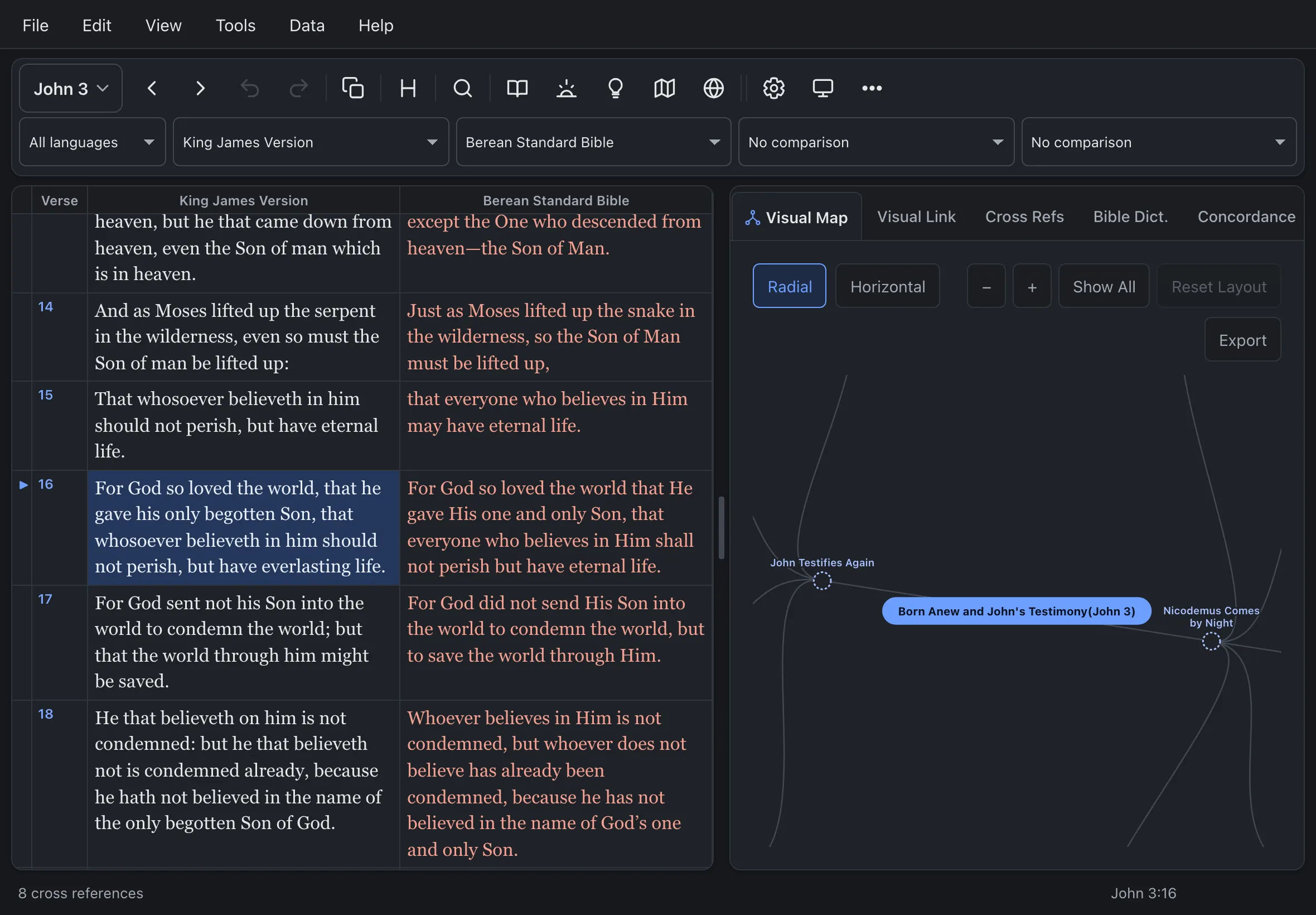
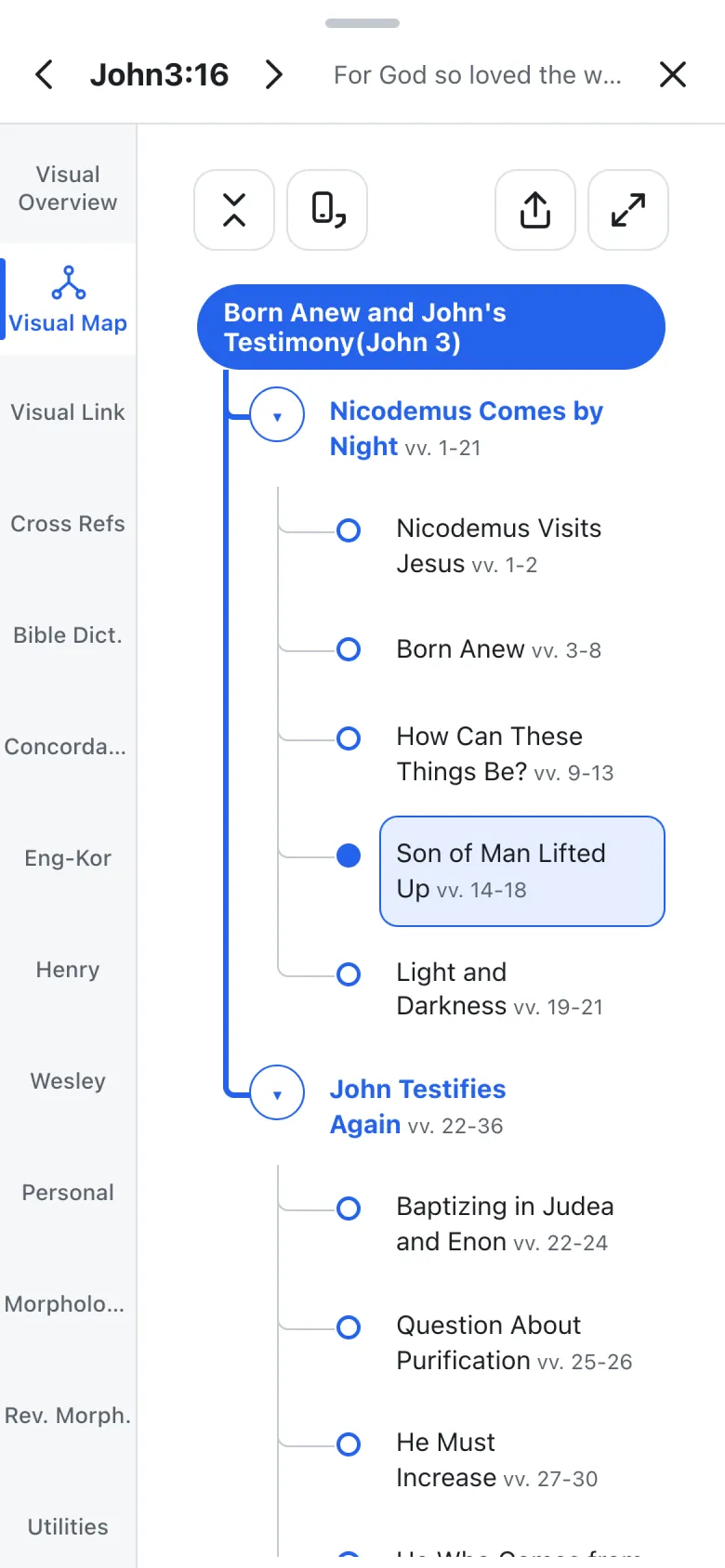
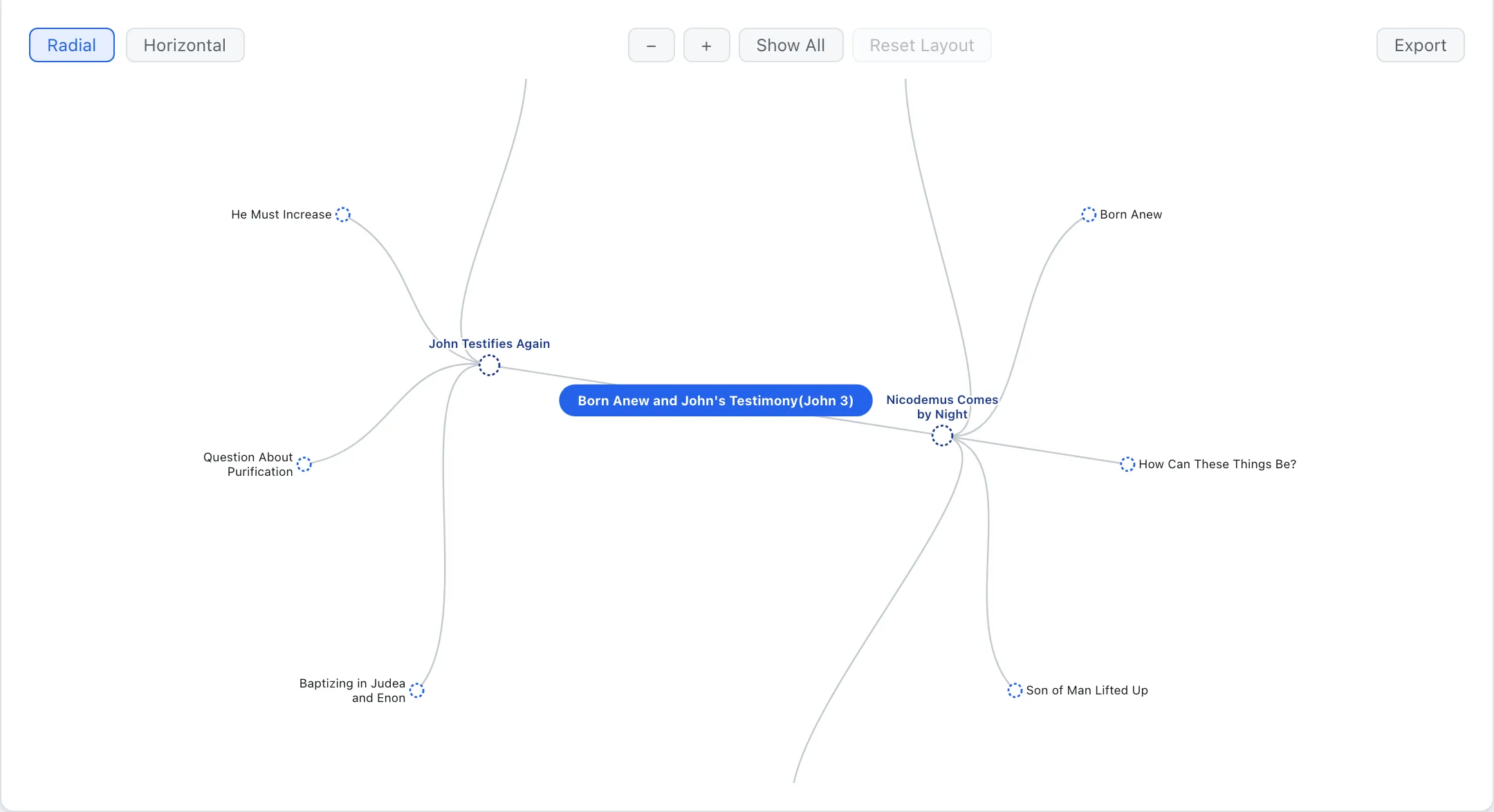
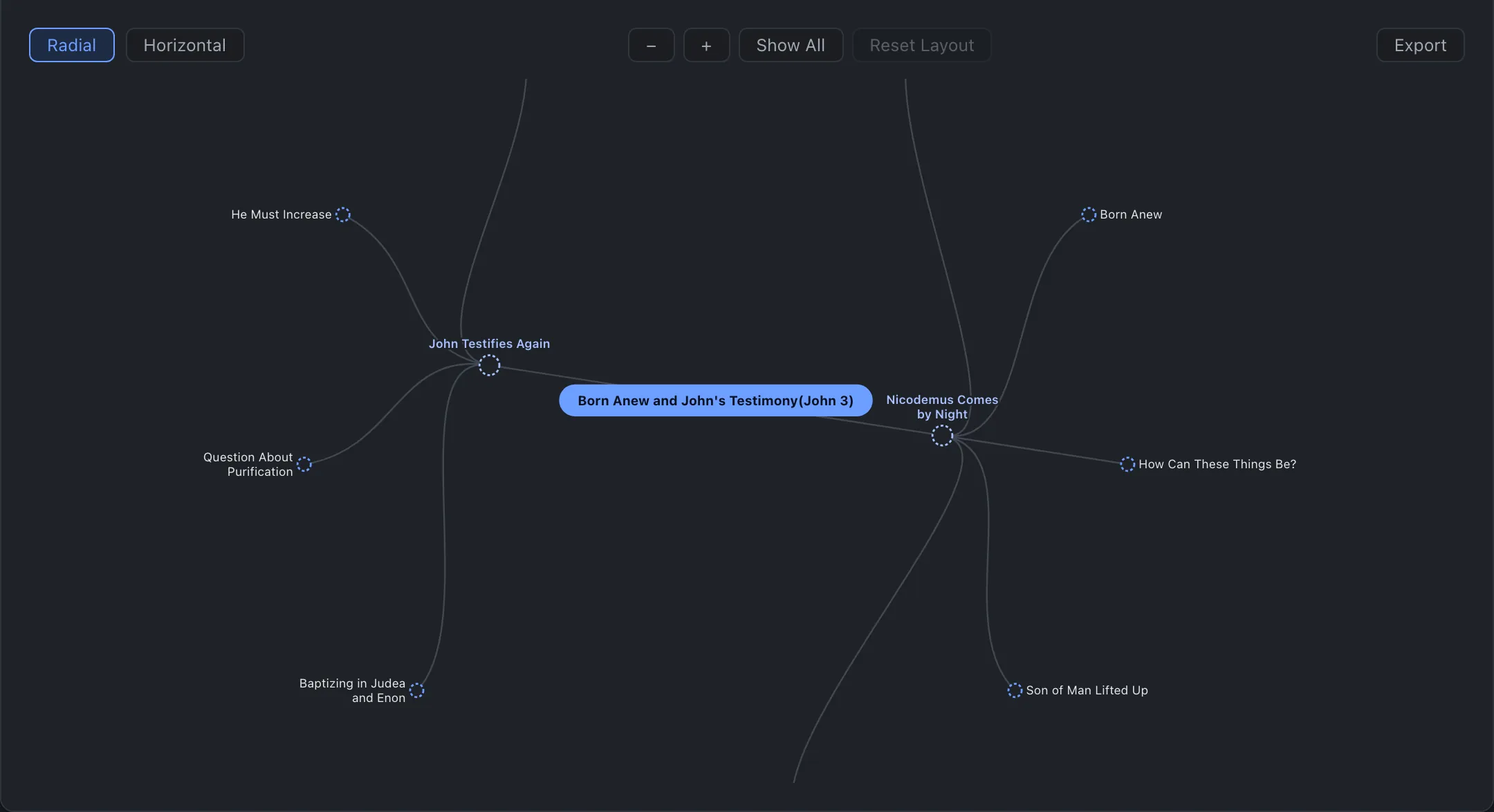
The chapter's theme sits in the centre and its sections branch out from it. Press a branch to jump to those verses. All 1,189 chapters have one.
Genesis to Revelation on one line, with every cross-reference from the chapter you are reading drawn as an arc. Press an arc and one line tells you why the two passages belong together.
Anywhere
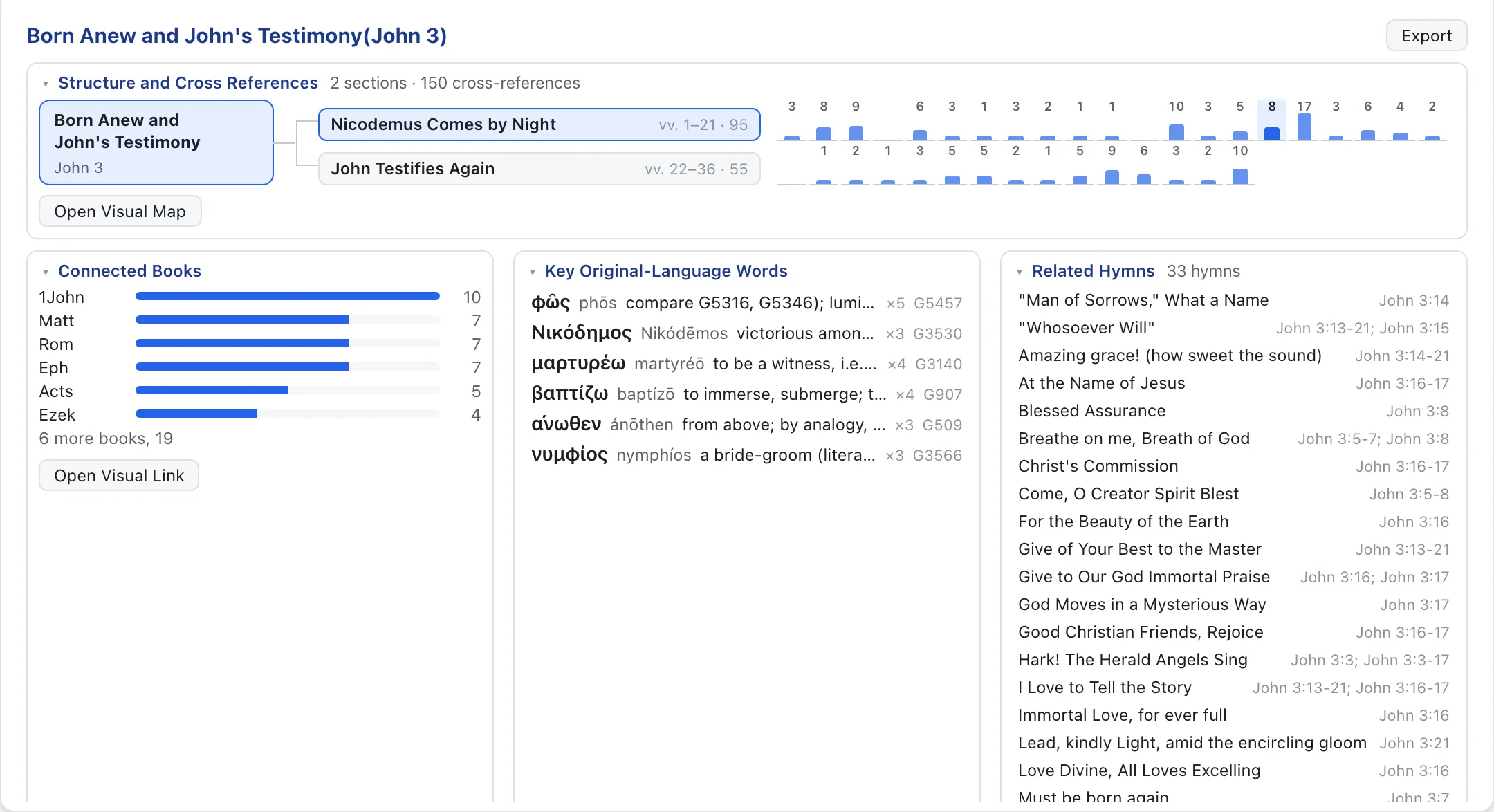
Sign in with the same account and your place, notes, sermon drafts and settings follow you across computer, tablet and phone. One web app, every feature, everywhere.
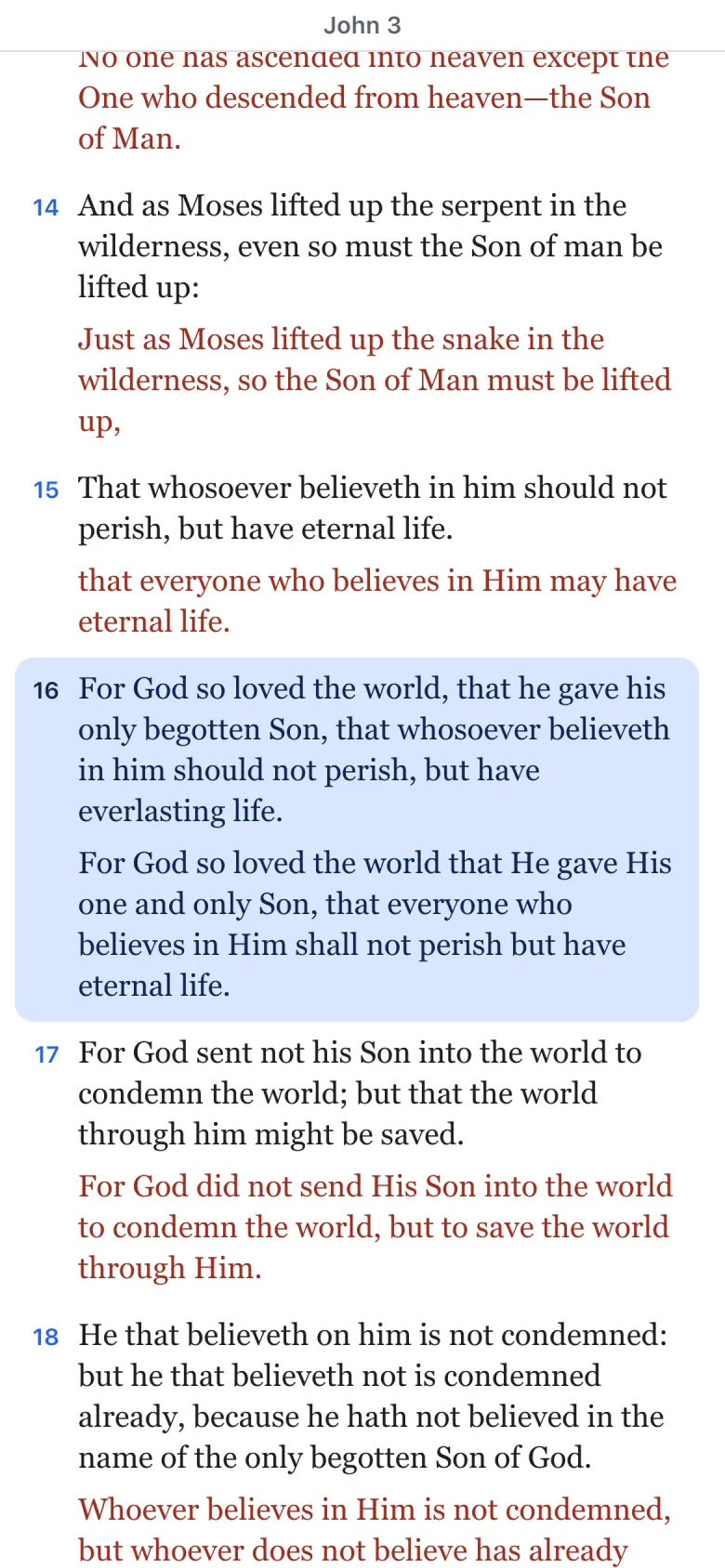
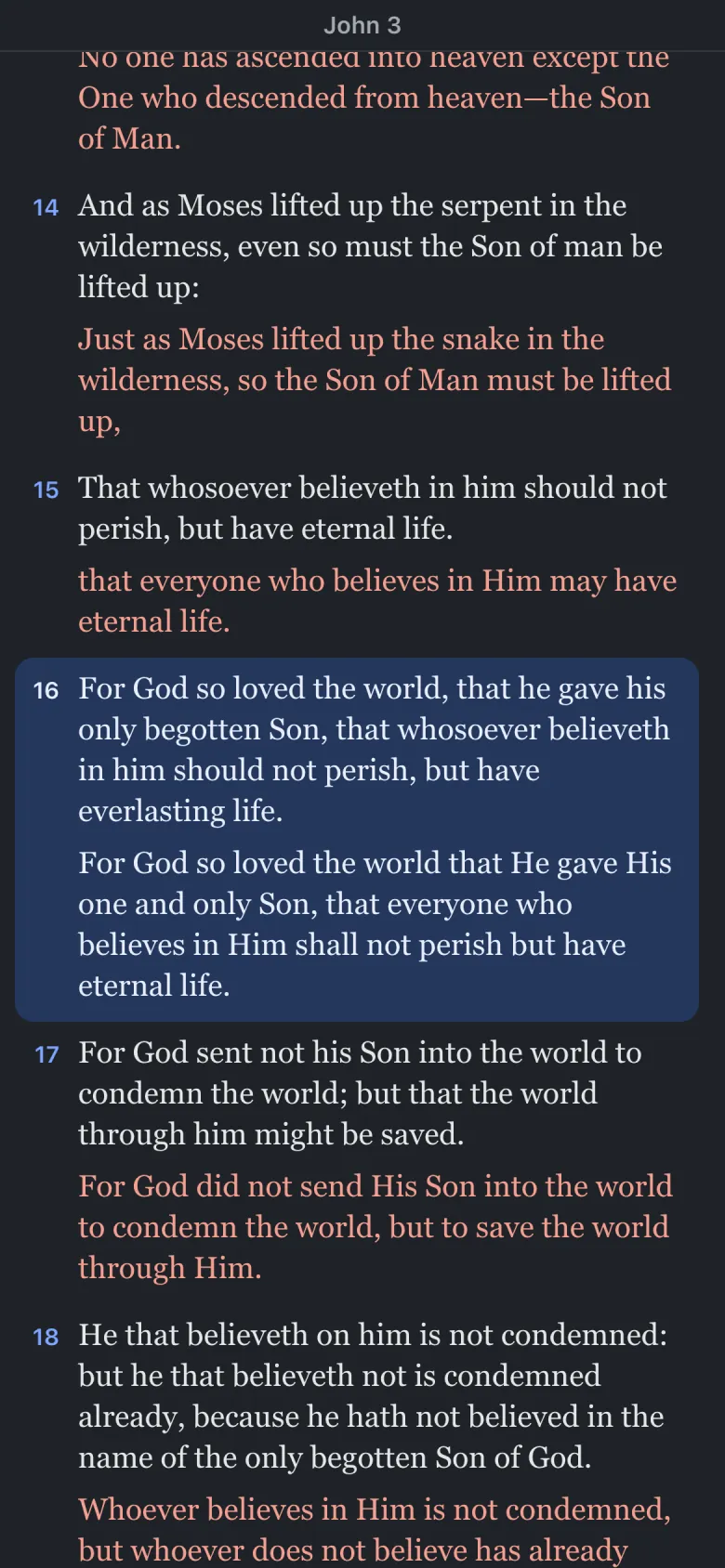
Nothing was cut for the small screen. The Visual Map, Visual Link, morphology and commentaries work on your phone as they do on your desk.
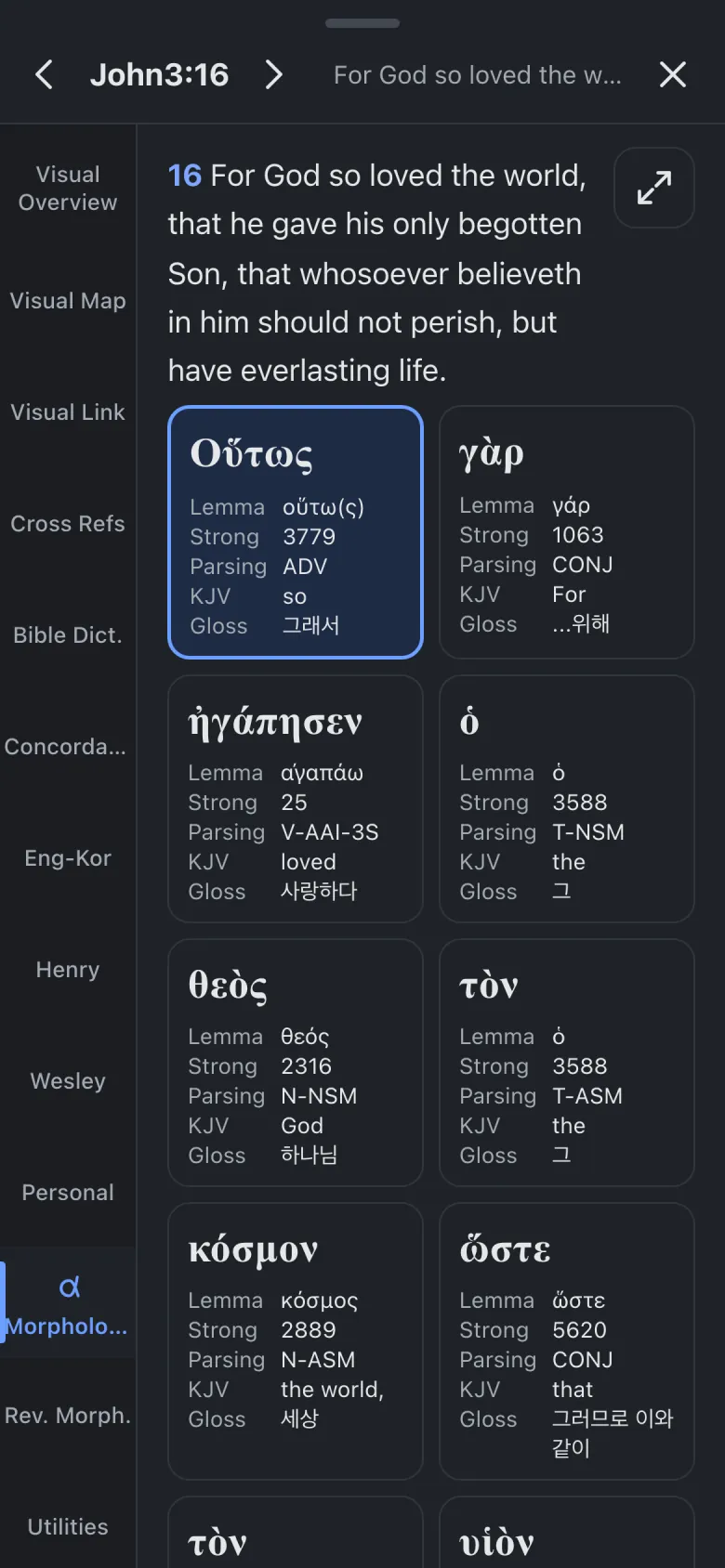
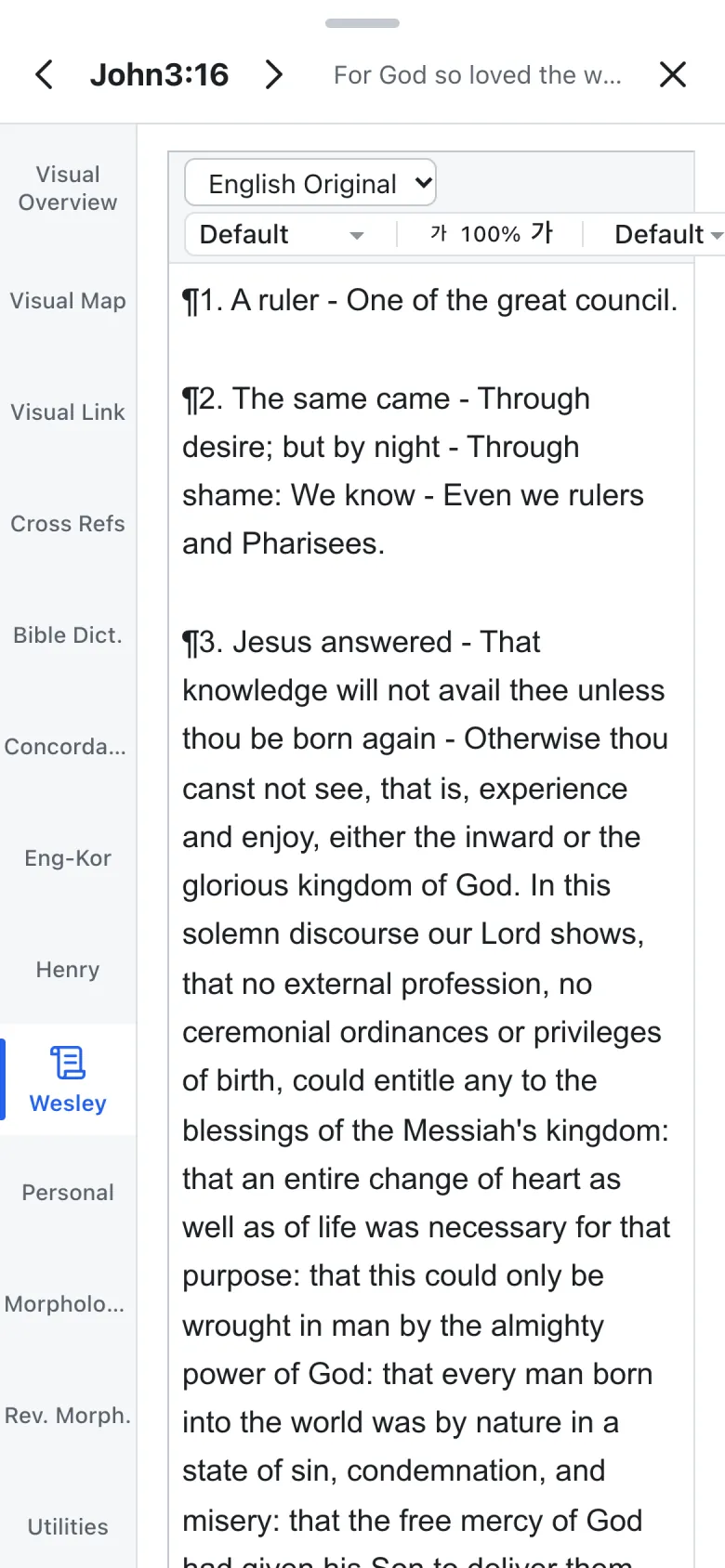
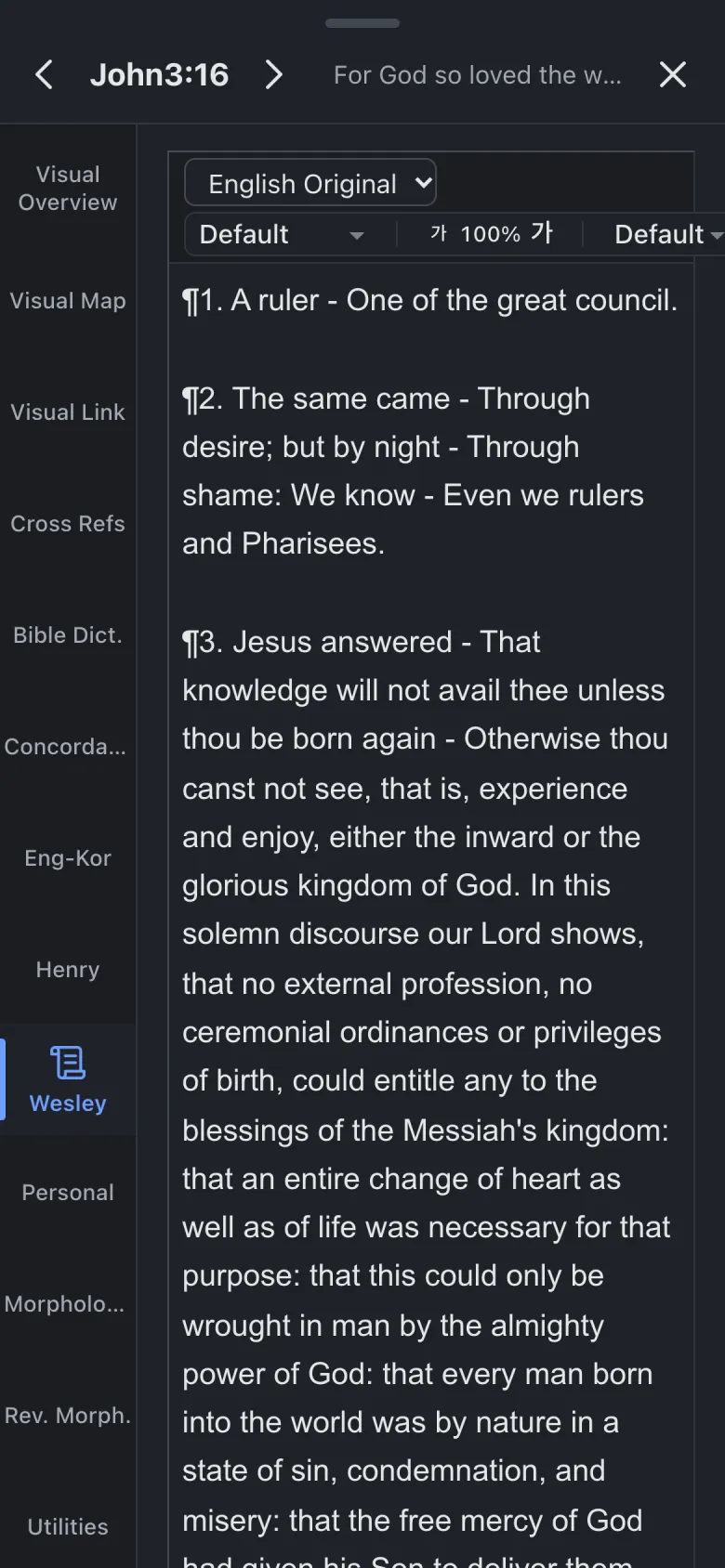
A note written on your computer opens on your phone; a draft edited on your phone is waiting on your computer.
Use it in the browser, or add it to your home screen and it opens like an app.
One hand on a phone, two panes on a tablet, room to spread out on a computer. The same features, arranged for the screen.
Applies to the web app.
Pin-to-Pin Cross-References Coming soon
Cross-references pinned to words, not just verses. Press a word and the pin flies to the very word it answers on the other side of the Bible.
Pins sit on the original-language word, so they land on the same word whichever version you read.
Morphology
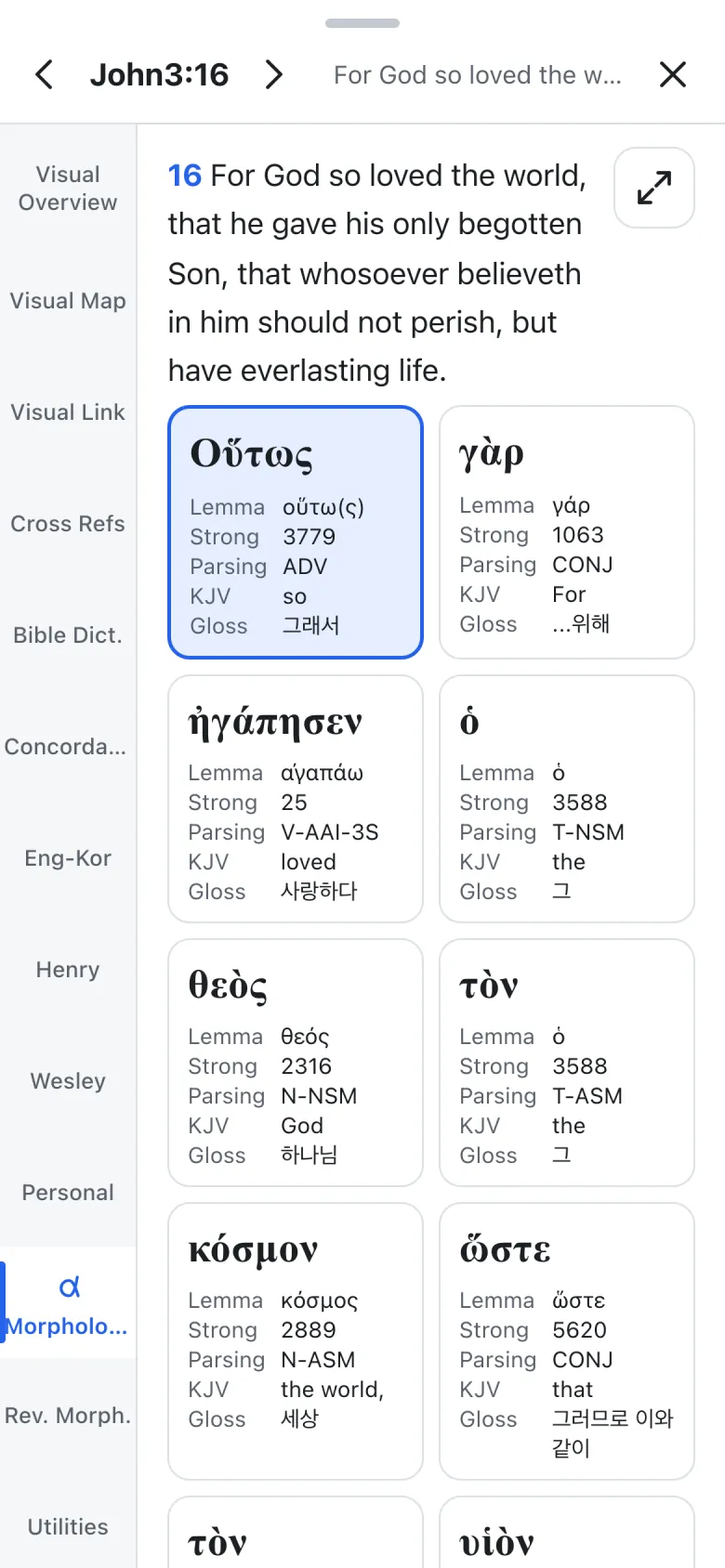
Word by word in the order of the Greek or Hebrew, or in the order of the version you read. One switch moves between them.
All 14 original-language texts are public texts whose source and licence we have checked. See the sources
Devotions and sermons
 Cross refsMorphologyCommentaries
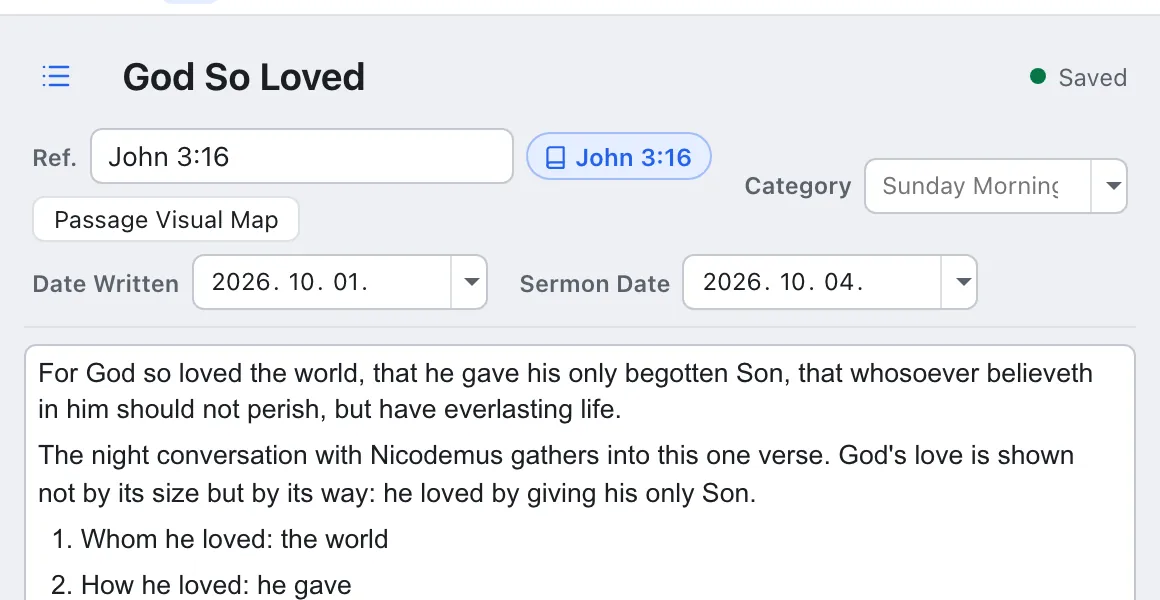
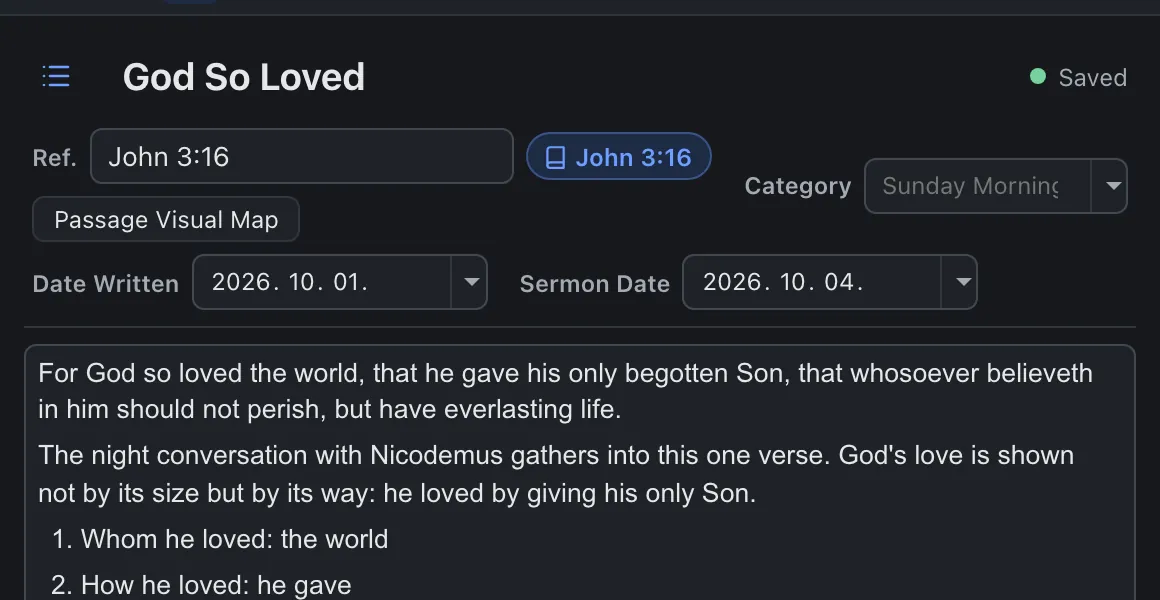
Write your key verse and it becomes a chip; press it and that verse opens with its cross-references, morphology and commentaries. Insert the text into your draft and find illustrations in the illustration dictionary.
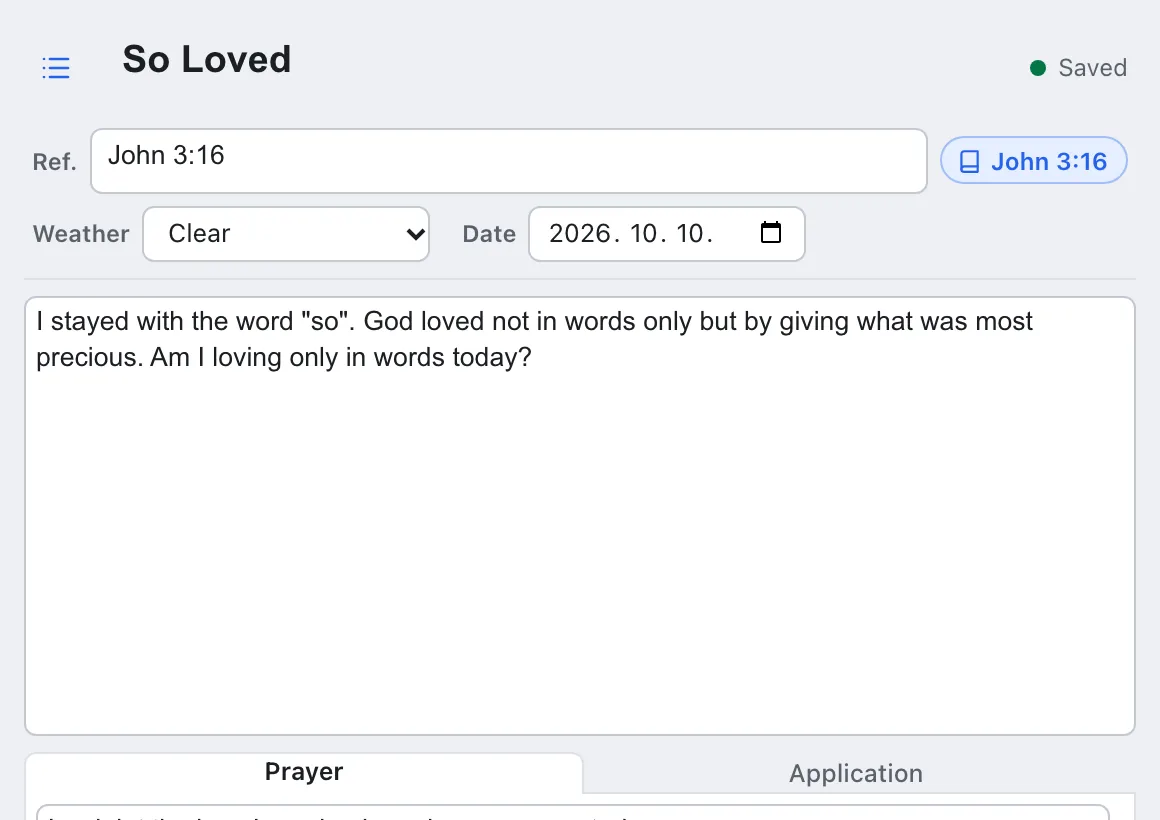
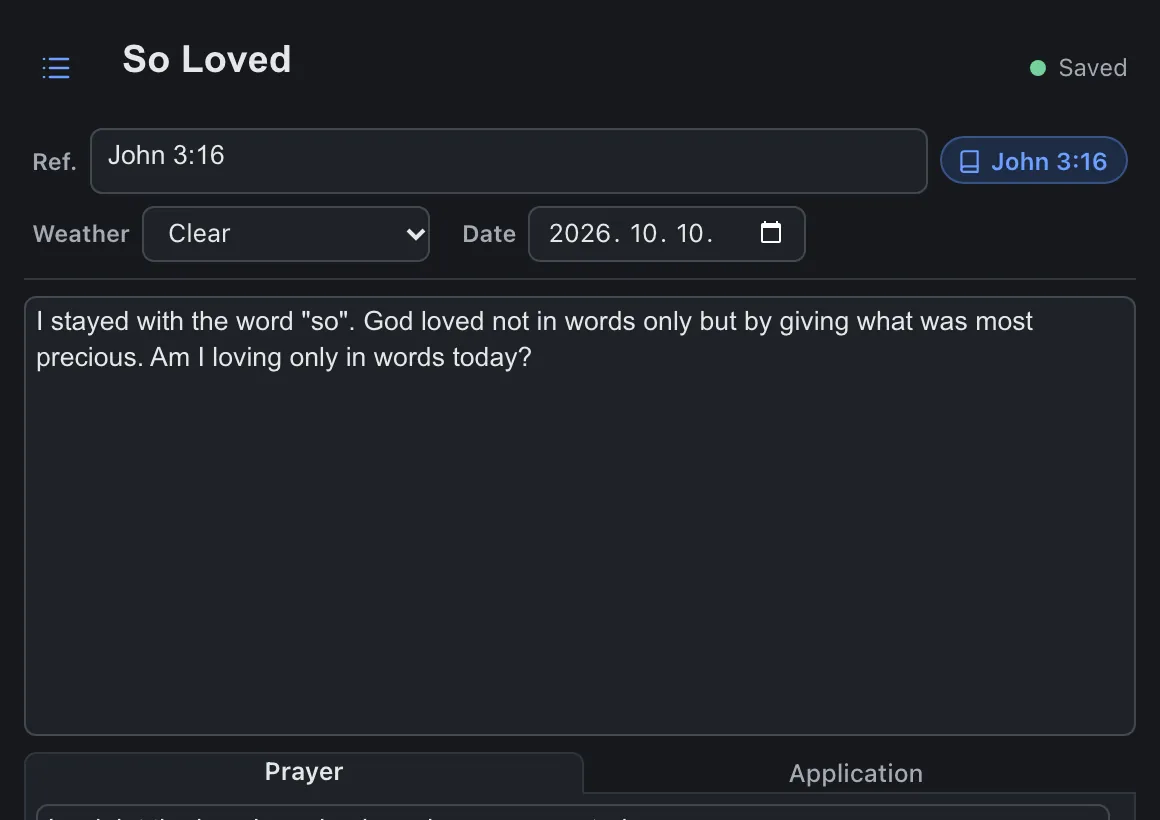
Write today's verse, then your spiritual weather, reflection, prayer and application in one entry. Find past entries again by date or passage.
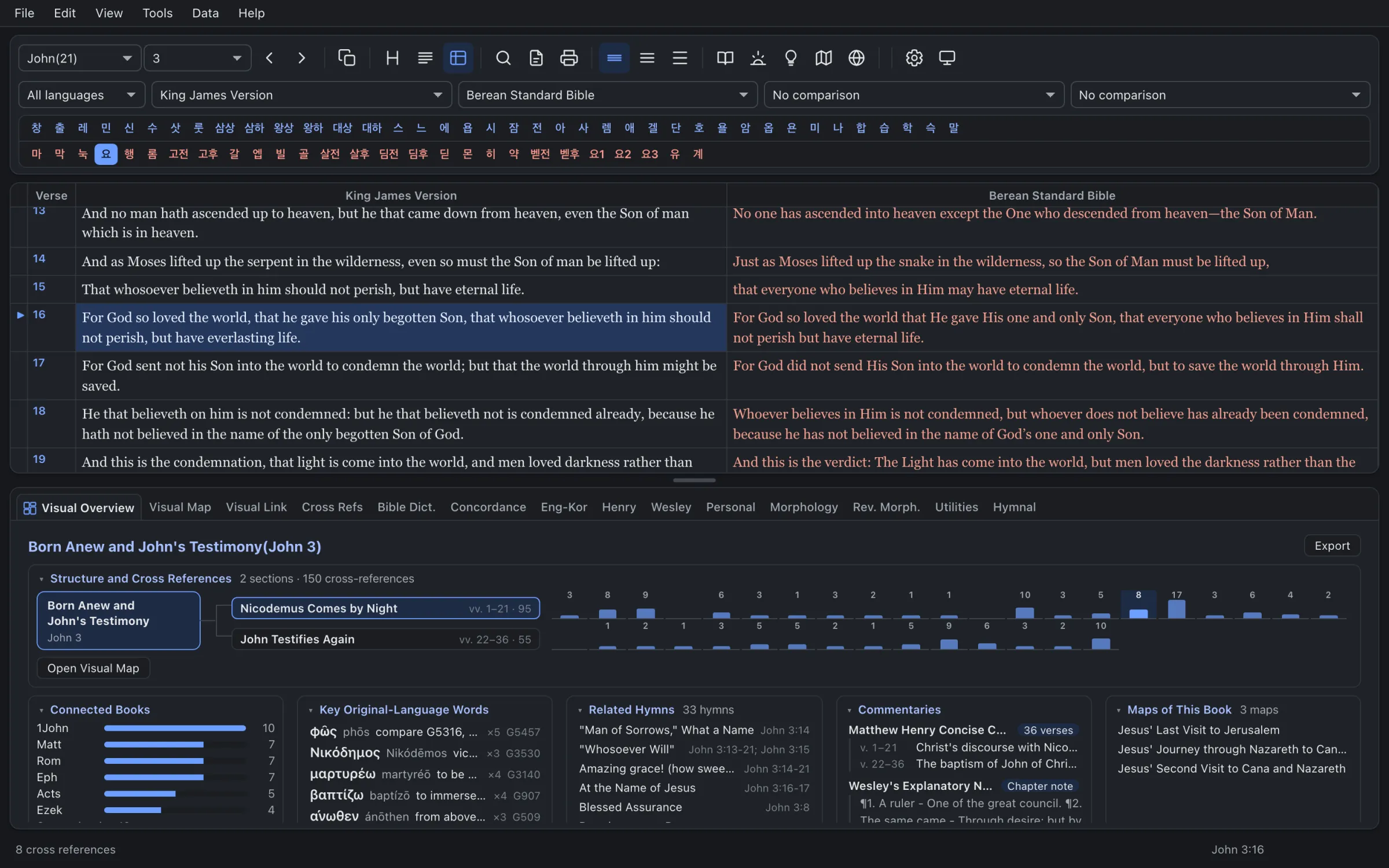
Six light and six dark, following your system setting.
Save Visual Maps and Visual Links as PNG or SVG, with the source line included.
Korean, North American and Japanese hymnals, with the hymns that go with each chapter.
A Bible dictionary, an English–Korean dictionary and Strong's, beside the text.
41 Bible versions
Download
Questions
41 versions in Korean, English, Japanese, German, French, Spanish, Russian, Chinese and more, plus 14 Hebrew and Greek texts.
The KJV (also with Strong numbers), the Berean Standard Bible and Majority Standard Bible, the World English Bible, ASV, Darby, Young's Literal, Webster, Weymouth, Douay-Rheims and Brenton's Septuagint.
The web app needs an internet connection.
Only public texts whose licence we have read at the source, such as the Westminster Leningrad Codex and the SBL Greek New Testament. Every source is listed on the sources page.
John 3 or Genesis 1, the map opens first.


Commentaries
Classic commentaries, sentence by sentence
Matthew Henry and John Wesley in their own English, with a Korean translation under every sentence for Korean readers.
Always with the original
No translation stands alone. Every Korean sentence sits under the English it translates.
Modern or faithful
Choose a readable modern Korean or a translation that keeps close to the original.
Baptism spelling
One setting shows 세례 as 침례 in Korean text and commentaries.